
How to take photos securely with Benecura
Please use the SWICA Benecura app to send medical photos. The app is simple, fast and reliably protects your data from unauthorised access. It can also be used to send photos of your face or intimate or breast area. You can take photos and send them directly to santé24 in the app. Find out more about the Benecura app here. If you don't have the app on your smartphone yet, you can download it free of charge from your store:

Send a photo
With the «Send a photo» service, you can easily send images of skin findings, lab and doctor's reports, or other medical documents to santé24 in encrypted form. Photos are useful for various purposes such as making diagnoses or obtaining second medical opinions via santé24.
Open your SWICA Benecura app, go to «Other services» and click on «Send a photo». Follow the instructions in the app.
Taking photos properly
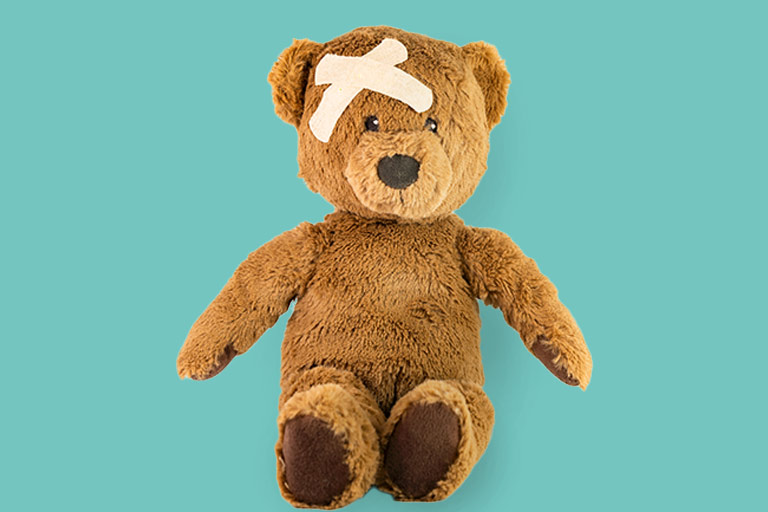
Overview photo with affected and unaffected areas
- Start by taking an overview photo (without flash) that clearly shows where the finding is on your body.
- It helps if the photo also includes healthy or unaffected parts of your body (for example the left arm if your right arm is affected, or your entire back if the finding is only on the right-hand side).
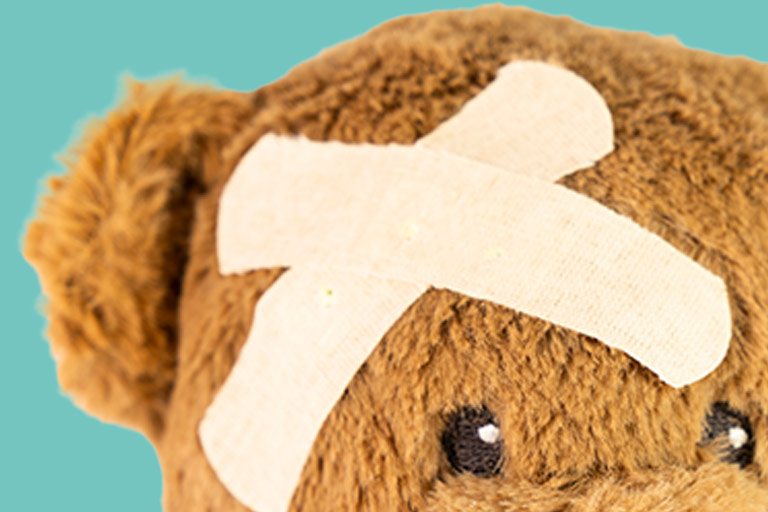
Close-ups from different perspectives
- You should then take two or three close-ups, again without using the flash.
- Photos against a light, high-contrast, monochrome background are particularly effective as they make it easier to assess wounds or rashes.
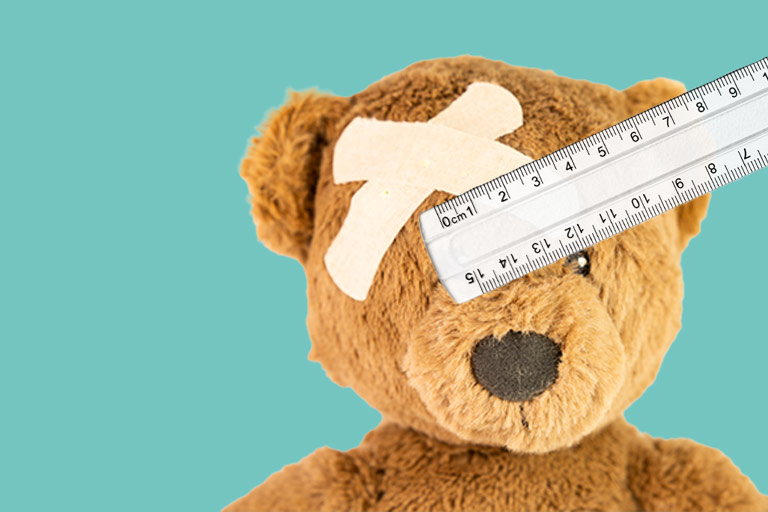
Photos with objects for scale (coin, ruler, etc.)
- Place a clean object such as a ruler or a coin next to the finding (for scale) to help specialists assess how big it is. It's important to put the object directly beside the finding.
- A different perspective (such as a photo taken from the side, without flash) is often helpful for making an assessment because it clearly shows how raised the finding is (e.g. for blisters, warts or swelling).


